





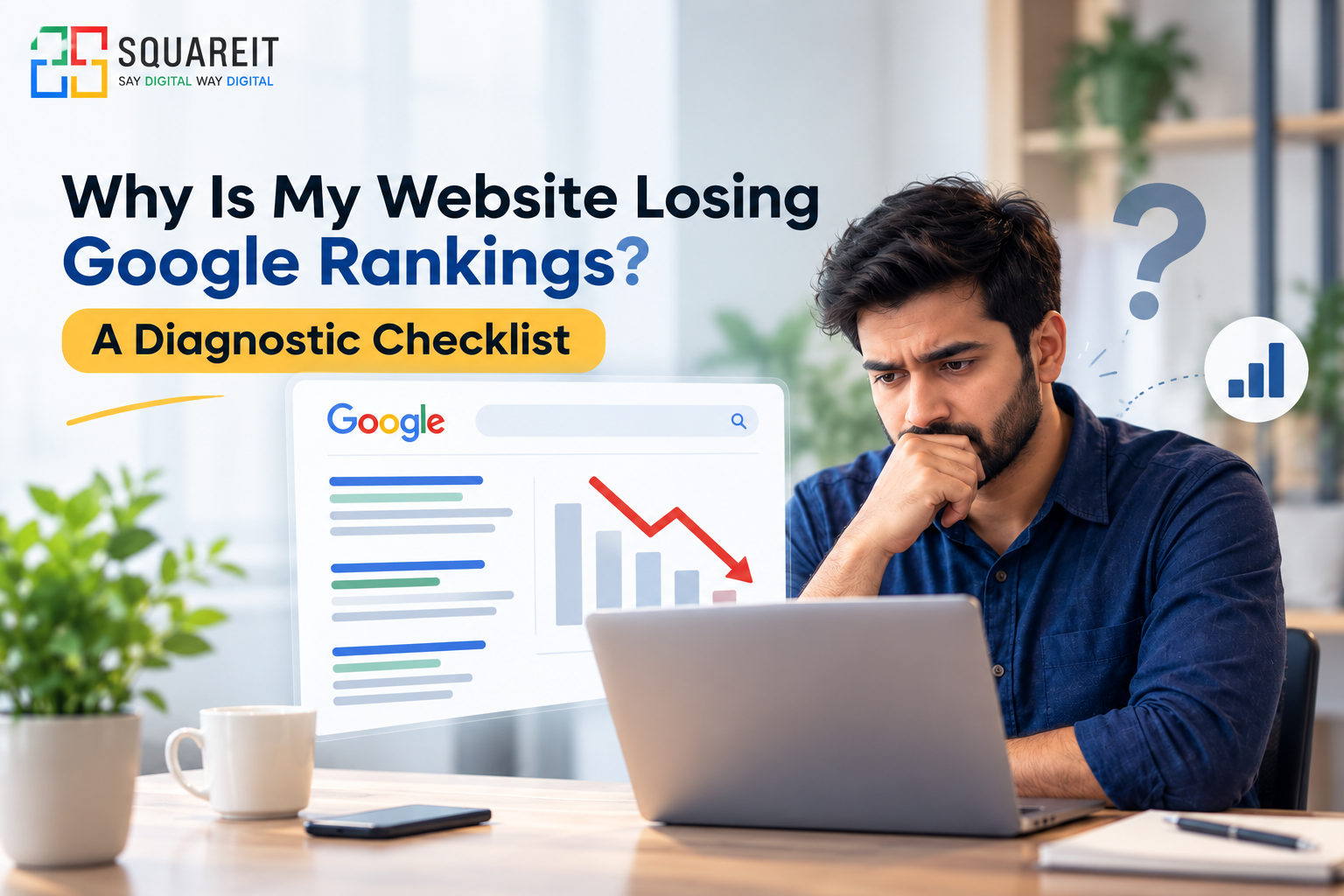
If your website is losing Google rankings, the first step is to identify the reason behind the decline before making any major changes. A drop in rankings can happen because of technical indexing errors, declining content quality, Google algorithm updates, lost backlinks, increased competition, or changes in search engine results pages (SERPs).
Sometimes, a website may lose rankings for only a few keywords, while in other cases, organic traffic may decline across several pages. Understanding the difference is important because every situation requires a different solution.
If you are wondering, “Why is my website ranking dropping?”, start by checking your website's performance in Google Search Console (GSC), reviewing technical SEO issues, and comparing your current performance with previous data.
Use this diagnostic checklist to identify possible problems, understand their impact, and take the right steps to improve your website's visibility in Google Search.
Use This Diagnostic Checklist to Fix the Errors

1. Check Google Search Console (GSC)
Google Search Console is one of the first tools you should use when investigating a ranking decline. It helps you understand how Google discovers, crawls, indexes, and displays your website in search results.
If you notice a Google Search Console ranking drop, compare your website's recent performance with the previous 28 days or the same period last year. Check clicks, impressions, average position, and click-through rate (CTR) to understand what has changed.
-
Page indexing: Open the Page Indexing report and look for important pages that are excluded from Google's index. Check for errors such as server errors, pages blocked by robots.txt, incorrect canonical tags, and pages marked as noindex. Remember that not every excluded URL is an error; some exclusions are intentional.
-
Manual actions: Check the Manual Actions report to see whether Google has applied a manual action because of a policy violation. If an issue is reported, fix it and submit a reconsideration request where applicable.
-
Meta tags: Review title tags and meta descriptions on important pages. Ensure that each page has a descriptive, relevant title and an appropriate meta description. Incorrect or duplicated titles can affect how your pages appear in search results, although meta descriptions are not a direct ranking factor.
-
Performance report: Identify the pages and queries that have lost clicks or impressions. This helps you determine whether the decline affects your entire website or only specific sections.
What to do: Fix confirmed indexing and technical issues first. Avoid making random changes before understanding which pages and queries are affected.
2. Check Keyword Targeting and Search Intent
Keyword targeting plays an important role in SEO, but simply adding more keywords to a page will not improve its rankings. Your content must match what users are actually looking for.
If you have lost keyword rankings, review the search queries that previously brought visitors to your website. Check whether those queries still match the content, purpose, and search intent of your pages.
For example, a person searching for an informational guide expects useful explanations, while someone searching for a service may want pricing, comparisons, or a way to contact a provider.
-
Research keywords: Review your existing keywords and identify relevant search terms using Google Search Console and keyword research tools.
-
Check search intent: Make sure your page answers the user's main question clearly and provides the information they expect.
-
Avoid keyword cannibalization: Check whether multiple pages on your website target the same search intent and compete with one another unnecessarily.
-
Update keyword mapping: Assign a clear primary topic to each important page and use related terms naturally in headings and paragraphs.
What to do: Improve the relevance and usefulness of existing pages before creating new content. Do not force keywords into headings or paragraphs just to increase keyword frequency.
3. Audit Technical Health and Website Speed
Technical SEO problems can prevent Google from accessing, rendering, or indexing important pages correctly. They can also create a poor experience for visitors, especially on mobile devices.
If website traffic dropped across several pages at the same time, check for recent website updates, server problems, broken redirects, and changes to important technical settings.
-
Check the sitemap: Make sure your XML sitemap contains the correct, canonical URLs of important pages. Submit it through Google Search Console and investigate any unexpected sitemap errors.
-
Check mobile usability: Ensure that your website works properly on smartphones and tablets. Text should be readable, navigation should be easy to use, and important content should remain accessible on smaller screens.
-
Improve loading speed: Optimize large images, reduce unnecessary scripts, enable suitable caching, and review your hosting performance. Aim for a fast, responsive experience rather than focusing on one arbitrary loading-time target.
-
Review Core Web Vitals: Use PageSpeed Insights and Search Console reports to evaluate loading performance, responsiveness, and visual stability. Good Core Web Vitals support user experience, but they do not guarantee higher rankings.
-
Check crawlability: Review robots.txt, canonical tags, redirects, server responses, and internal links to ensure search engines can access the pages you want indexed.
What to do: Fix critical technical errors first, particularly those affecting important landing pages. Test your website after every significant technical change.
4. Improve Your Content Quality
Content quality is another important factor to investigate when your website loses Google rankings. Pages that provide outdated, incomplete, repetitive, or unhelpful information may struggle to satisfy users compared with more useful competing pages.
Google aims to present relevant and helpful results. Therefore, your content should demonstrate a clear purpose, provide accurate information, and offer genuine value beyond repeating what other websites already say.
-
Fix dead links: Find broken internal and external links. Replace them with relevant working destinations or remove them when no suitable replacement exists.
-
Update outdated content: Review old statistics, outdated recommendations, expired offers, and information that no longer reflects current practices.
-
Improve thin content: Expand pages where additional explanation is genuinely useful. Remove unnecessary repetition and make the content easier to understand.
-
Review the SERP layout: Search your target keywords and examine the current search results. Look at the type of content ranking, the questions being answered, and whether features such as featured snippets, local results, videos, or AI-generated search experiences are present.
-
Strengthen trust: Provide clear author information where appropriate, cite reliable sources for important claims, and keep factual information accurate and current.
-
Refresh titles and headings: Make sure they accurately describe the page and reflect its main purpose without making exaggerated promises.
What to do: Improve pages based on user needs and evidence from search results. Do not delete or rewrite large amounts of content simply because rankings have declined; first identify what is actually underperforming.
5. Review Backlinks and Competitor Activity
Backlinks can help Google understand the relationships and authority of pages across the web. However, not every backlink has the same value, and losing a few links does not automatically mean your rankings will fall.
If your website has experienced a decline, review your backlink profile alongside competitor performance to identify meaningful changes.
-
Check lost backlinks: Use a backlink analysis tool to find important referring pages that have removed links to your website. Determine whether those links were relevant and whether their loss could have affected a particular page.
-
Review competitor movement: Compare the pages now ranking above yours. Check whether competitors have published better content, improved their websites, earned relevant links, or addressed search intent more effectively.
-
Evaluate link quality: Focus on relevant, editorially earned backlinks rather than the total number of links. Avoid buying links or participating in schemes designed to manipulate rankings.
-
Strengthen internal linking: Link related pages naturally so users and search engines can discover important content more easily.
-
Recover valuable links: Where appropriate, contact website owners to ask whether a useful, previously removed link can be restored.
What to do: Prioritize relevant link opportunities and meaningful competitor differences. Do not disavow backlinks simply because a tool labels them as toxic; use Google's guidance and investigate whether there is a genuine link-related problem.
6. Check for Google Algorithm Updates
A website ranking dropped after Google update is a common concern, but an update is not automatically the cause of every ranking decline.
Google regularly makes changes to its search systems. Some updates can affect the visibility of websites across different industries, particularly when the systems reassess relevance, content quality, or other signals.
-
Check update dates: Compare the timing of your ranking decline with confirmed Google Search ranking updates.
-
Review affected pages: Identify whether the decline is limited to a particular topic, page type, or section of your website.
-
Look for broader patterns: Check whether competitors or other websites in your industry experienced similar changes.
-
Improve helpfulness: Review whether your pages provide original value, answer users' questions, and offer a satisfactory experience.
-
Allow time for reassessment: Avoid making rushed changes during an update. Gather enough data to understand the pattern before deciding what to fix.
What to do: Use Google's official Search Status Dashboard and Search Central documentation to verify update information. If your website was affected, focus on sustainable improvements rather than shortcuts intended to manipulate search rankings.
7. Check for Changes in Search Results and Click-Through Rate
Sometimes, your rankings remain relatively stable, but your traffic declines because the search results page has changed.
Google may display more advertisements, local results, videos, featured snippets, shopping results, or AI-powered search features for certain queries. These changes can influence how frequently users click on traditional organic listings.
-
Compare impressions and clicks: If impressions remain similar but clicks decrease, investigate changes in CTR and the search results layout.
-
Review average position: Remember that average position is an aggregate metric and can change as the mix of queries and pages changes.
-
Improve search snippets: Write clear, relevant title tags and meta descriptions that accurately explain what users will find on the page.
-
Check search demand: Seasonality, trends, and changing customer interest can affect impressions and traffic even when your website has not changed.
What to do: Diagnose whether the issue is visibility, search demand, or click-through rate. A decline in clicks does not always mean that rankings have fallen.
8. Review Website Changes and Redirects
Recent website changes can cause unexpected SEO problems. A redesign, migration, URL restructuring, CMS update, or change in navigation may affect crawling, indexing, and internal linking.
-
Check URL changes: Confirm that old URLs redirect to their most relevant new destinations using appropriate permanent redirects when applicable.
-
Review canonical tags: Ensure that important pages point to the correct canonical URLs.
-
Check internal links: Update links that still point to redirected, broken, or outdated URLs.
-
Verify tracking: Make sure analytics and conversion tracking are working correctly so reporting problems are not mistaken for a genuine traffic decline.
-
Compare before and after: Use Google Search Console and analytics data to identify when the decline began and which pages were affected.
What to do: Keep a record of website changes and monitor important pages after every major release. If the decline began immediately after a migration or redesign, investigate those changes early.
Conclusion
If your website is losing Google rankings, the most effective approach is to diagnose the problem before making major SEO changes. Start with Google Search Console, review indexing and technical health, evaluate keyword intent and content quality, and investigate backlinks, competitors, algorithm updates, and changes in search results.
Remember that a ranking decline can have multiple causes. An organic traffic drop may result from lower rankings, reduced search demand, a lower click-through rate, or a tracking issue. Identifying the actual cause will help you prioritize the right fixes.
SEO improvements also take time. Monitor your key pages, measure changes consistently, and focus on creating useful content and a technically sound website that meets users' needs. With a structured approach, you can make better decisions and work toward recovering lost visibility without relying on risky shortcuts.
Frequently Asked Questions (FAQs)
1. Why is my website ranking dropping on Google?
Your website rankings may decline because of technical errors, indexing problems, outdated content, stronger competitors, lost backlinks, algorithm updates, or changes in search intent. Use Google Search Console to identify which pages and queries have been affected.
2. Why did my Google rankings drop suddenly?
When Google rankings drop suddenly, first check for manual actions, indexing issues, server errors, recent website changes, and confirmed algorithm updates. Compare performance data before and after the decline to narrow down the cause.
3. How do I fix an organic traffic drop?
Start by checking clicks, impressions, average position, and CTR in Google Search Console. Then review technical SEO, content relevance, keyword performance, search demand, and competitor activity. Fix the issues supported by your findings rather than changing everything at once.
4. Does a Google algorithm update always cause ranking losses?
No. Algorithm updates can improve, reduce, or leave a website's visibility unchanged. A decline that overlaps with an update is worth investigating, but timing alone does not prove that the update caused the problem.
5. How long does it take to recover lost Google rankings?
There is no fixed recovery timeline. Minor technical issues may show improvement after Google recrawls and processes the corrected pages, while content or broader ranking issues can take considerably longer. Results depend on the cause, the changes made, and Google's reassessment of the website.
6. Can broken links affect Google rankings?
Broken internal links can make important pages harder for users and search engines to discover. Broken external links may also reduce usability and trust. Fix relevant broken links, but remember that a few broken links do not automatically cause a ranking penalty.
7. How often should I check Google Search Console?
Check Google Search Console regularly, such as weekly for routine monitoring and more frequently after a major website change or unexpected decline. Compare similar time periods and look for meaningful patterns instead of reacting to daily fluctuations.
8. Should I delete old content to improve rankings?
Not automatically. Review old content to determine whether it is accurate, useful, relevant, and aligned with search intent. Update, consolidate, redirect, or remove pages only when there is a clear reason and an appropriate plan for handling existing URLs and user needs.